
A merge tag shows as blank when it has no value assigned to it. When you preview or send the document, Zomentum warns you about these empty merge tags so you can decide what to do before the client sees it.
What You Will See
When you preview or send a document that has empty merge tags, a pop-up appears. It shows:
The total number of merge tags without an assigned value
Which merge tags are empty
Your Options
From the pop-up, choose one of the three options below.
Option 1: Replace all empty merge tags with blank
Every empty merge tag is replaced with blank text. Choose this if you are fine with those spots appearing empty in the document.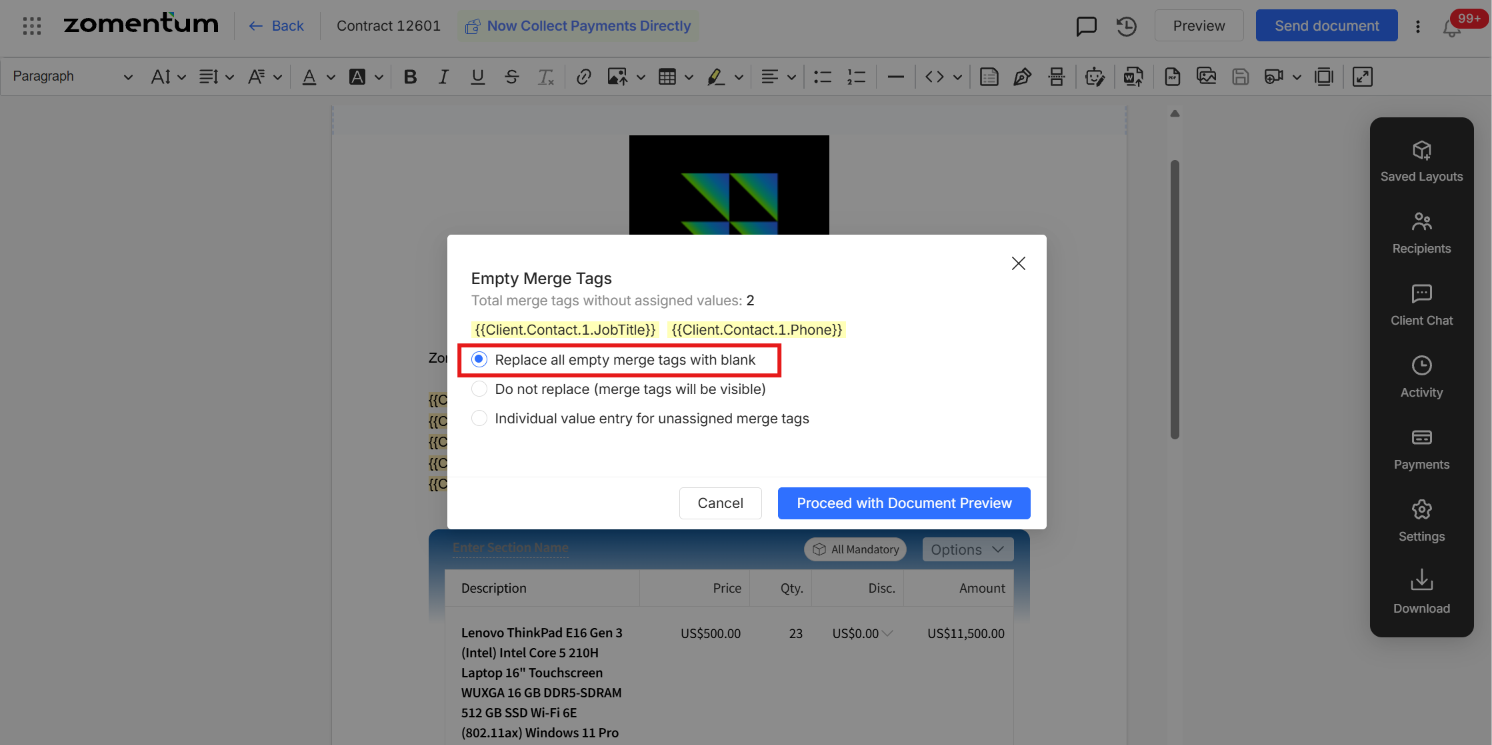
Option 2: Do not replace merge tags
The merge tags stay in the document and are visible to the client exactly as they appear.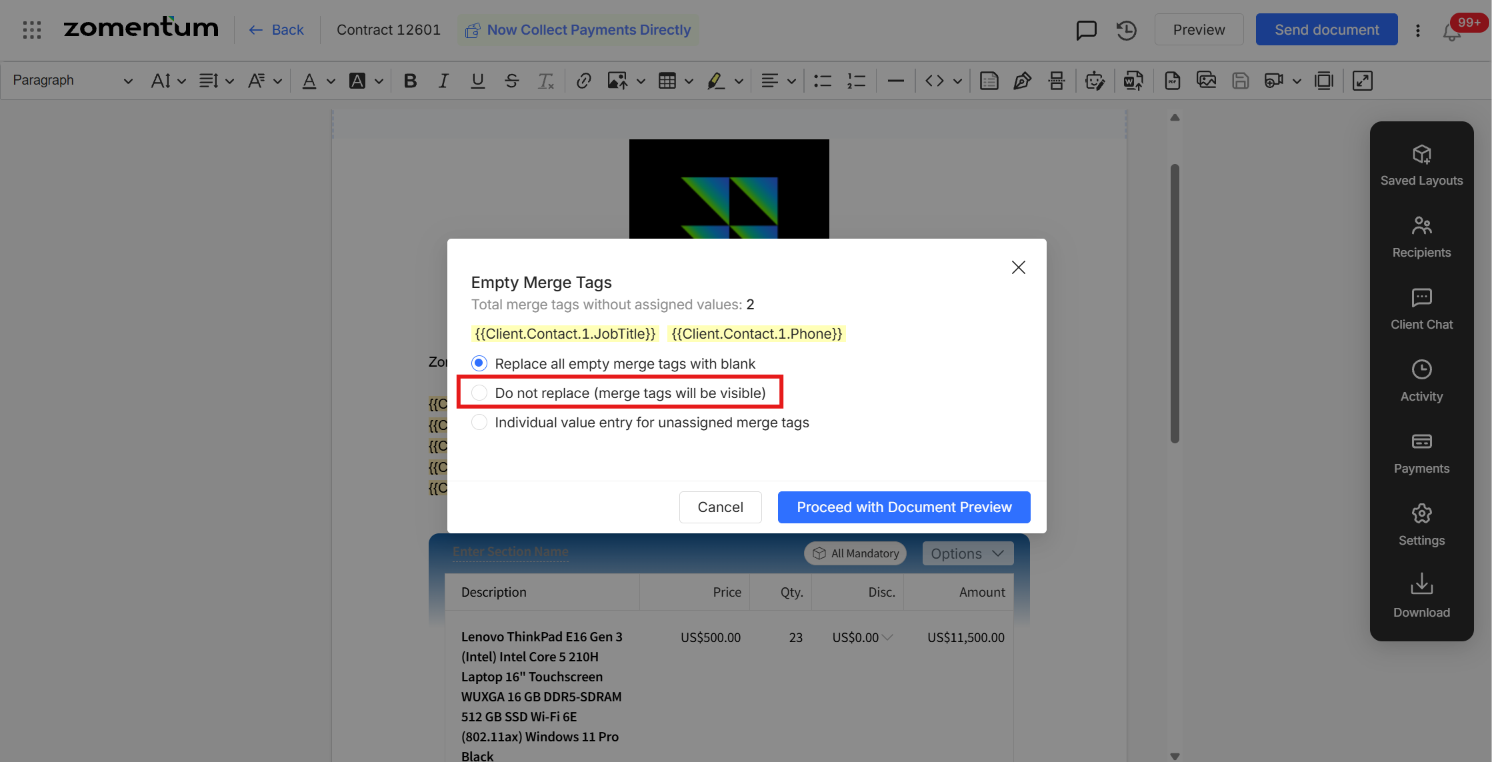
Option 3: Individual value entry for unassigned merge tags
Type in the missing values yourself, then send the document.
Select Enter the values in the merge tag.
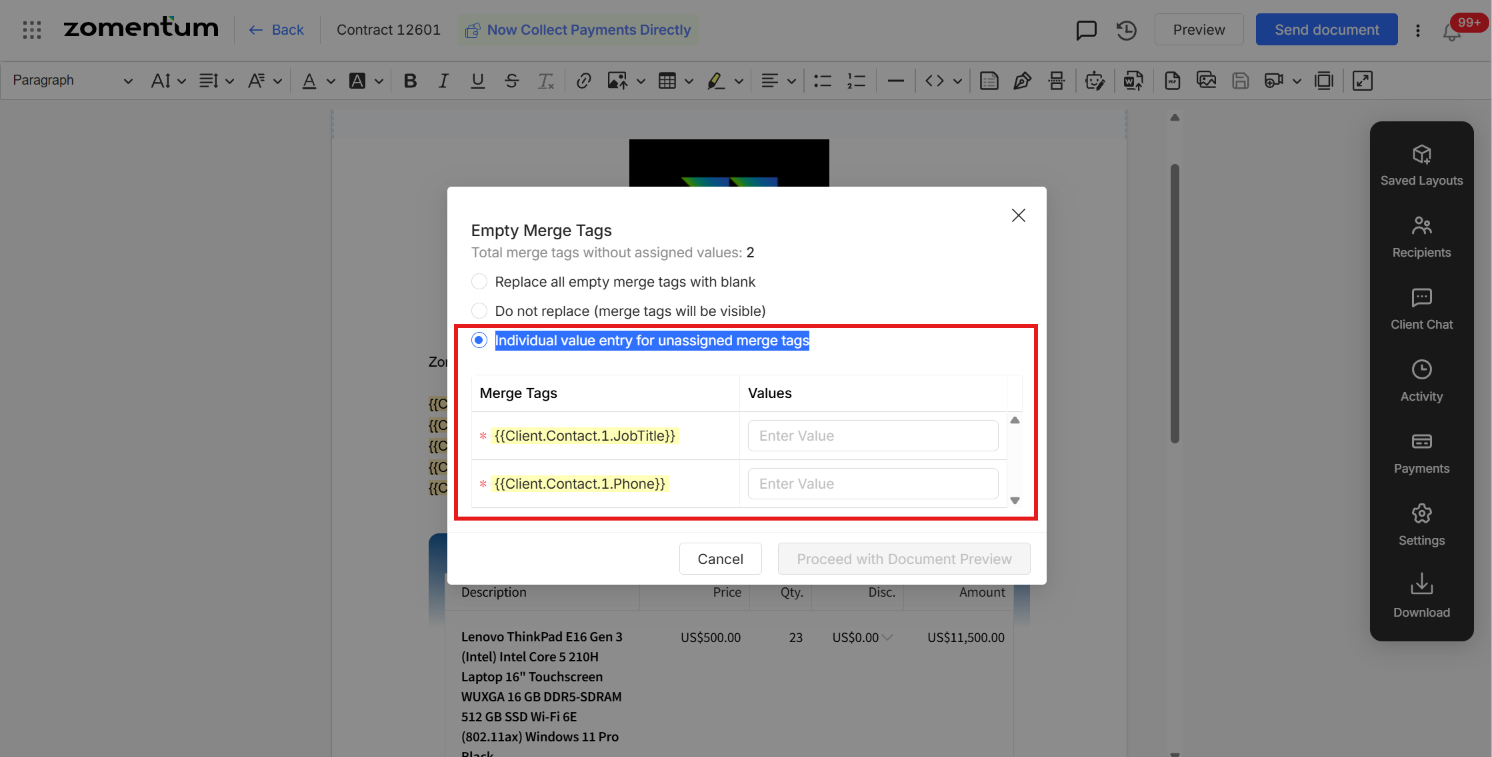
Type the value for each empty merge tag.
Continue to send the document.