
Yes. You can see who has edited the document and when the last edit was made from the document's Activity. Once the document has been sent, Activity also shows whether the client has opened or edited it.
How to View Document Activity
Open the document in the editor.
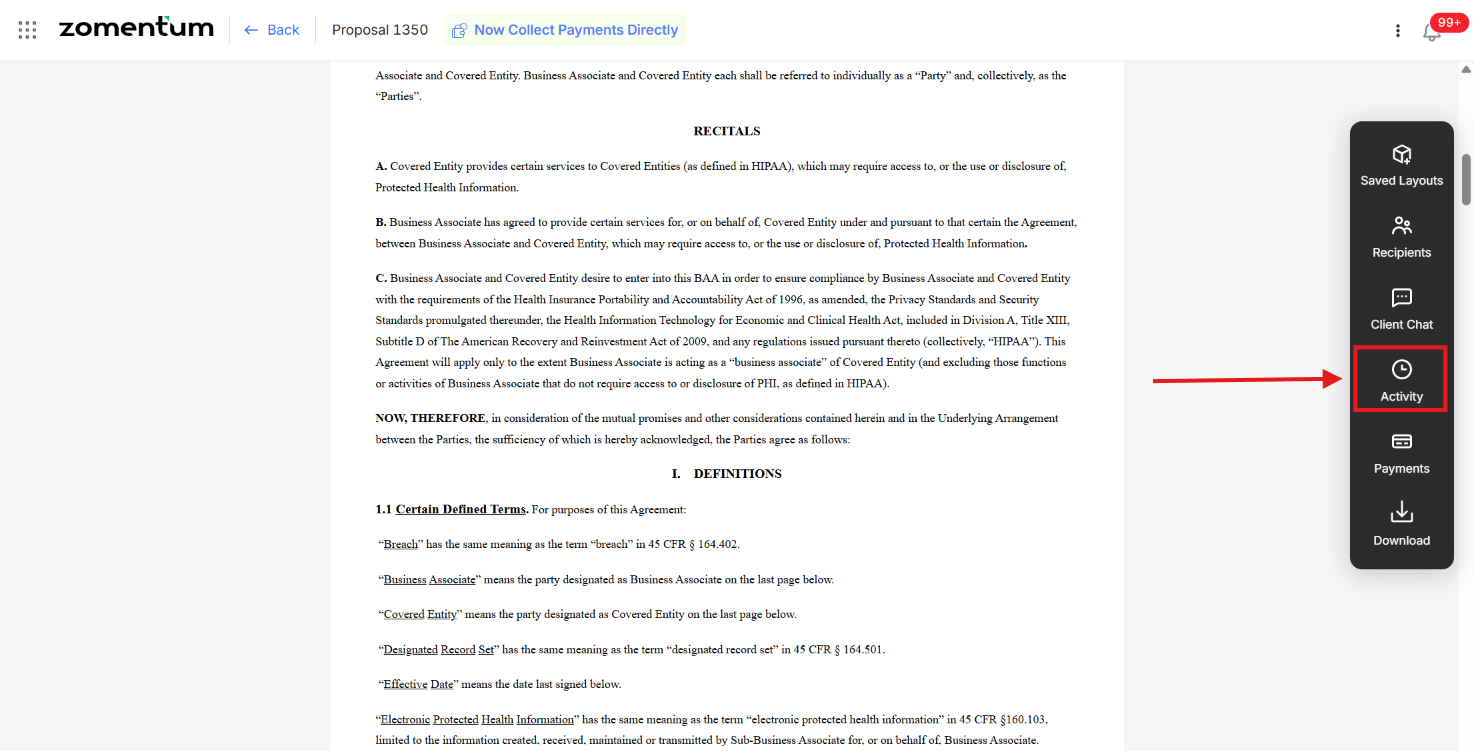
Click Activity. In the vertical toolbar on the right side of the editor, click Activity.
Review the activity. The Activity panel shows the document's history, including who edited it and when.
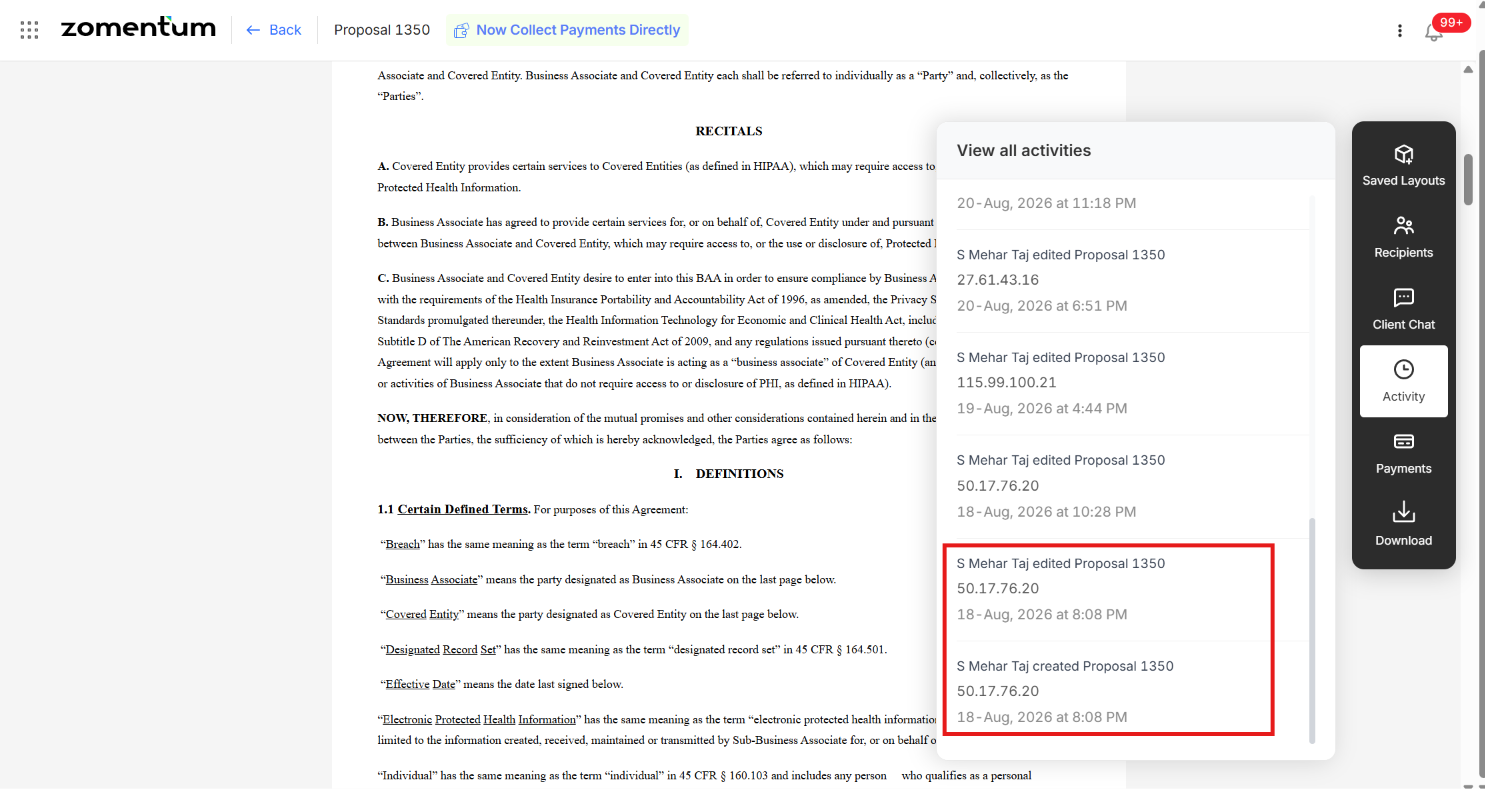
What You Can See in Activity
Creation: when the document was created.
Edits: when the document was edited, including when the last edit was made.
Editor: who edited the document.
Client views: after the document is sent, whether the client has opened it.