
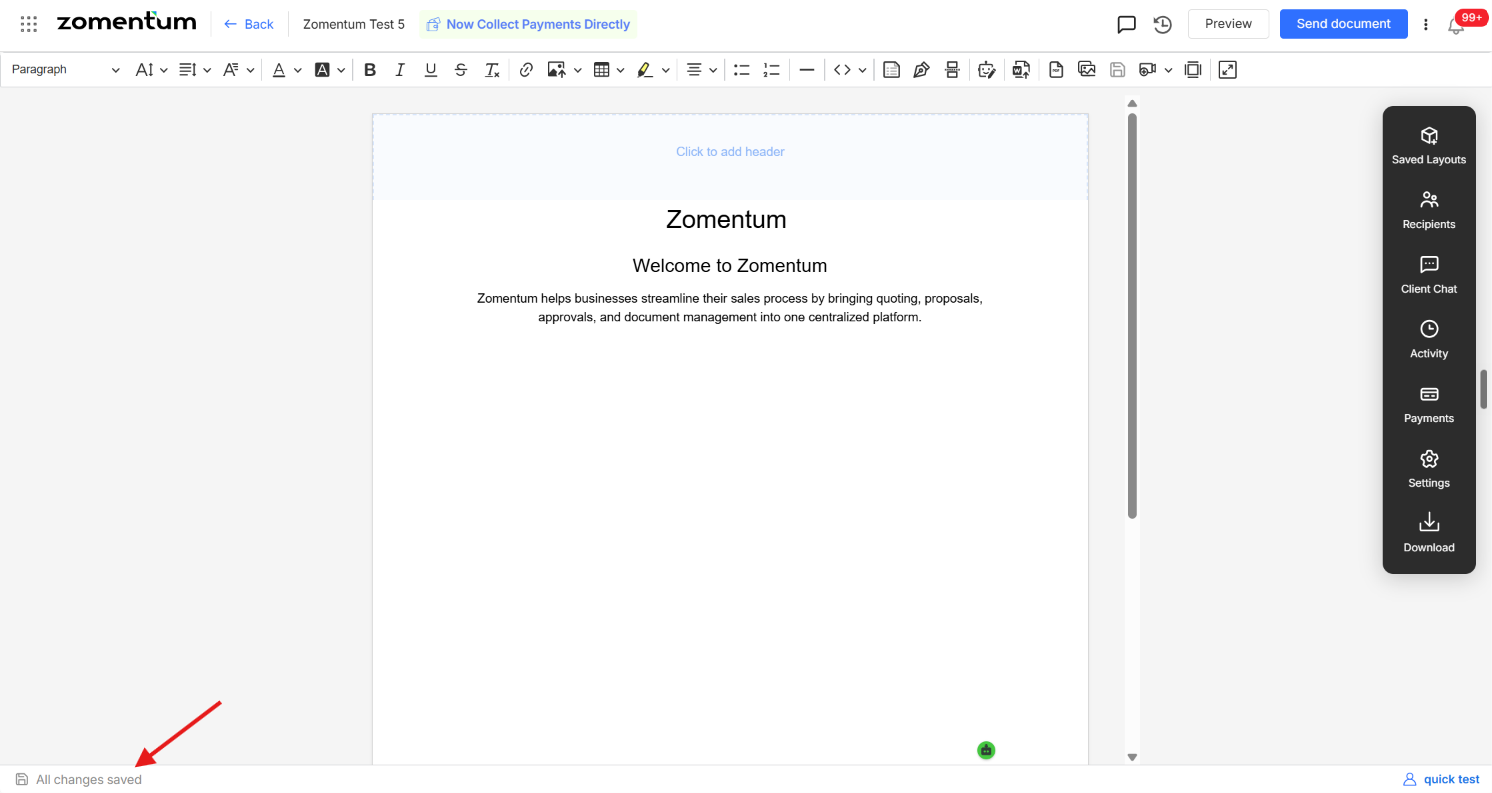
The document editor is designed to save your work automatically, so you never need to click a manual save button while editing.
How Autosave Works
Every change you make inside the editor : text edits, formatting, added blocks, and more is saved automatically as you work.
You can navigate away from the document at any time; all the changes you have made up to that point will already be saved.
Even if your browser tab closes unexpectedly or your screen freezes, your latest edits are preserved, so you will not lose your work.
Good Practices to Keep in Mind
Allow a moment for the editor to register a change before switching tabs or closing the document, especially after a large edit.
If you are on an unstable internet connection, periodically refresh the document to confirm your latest changes have synced.