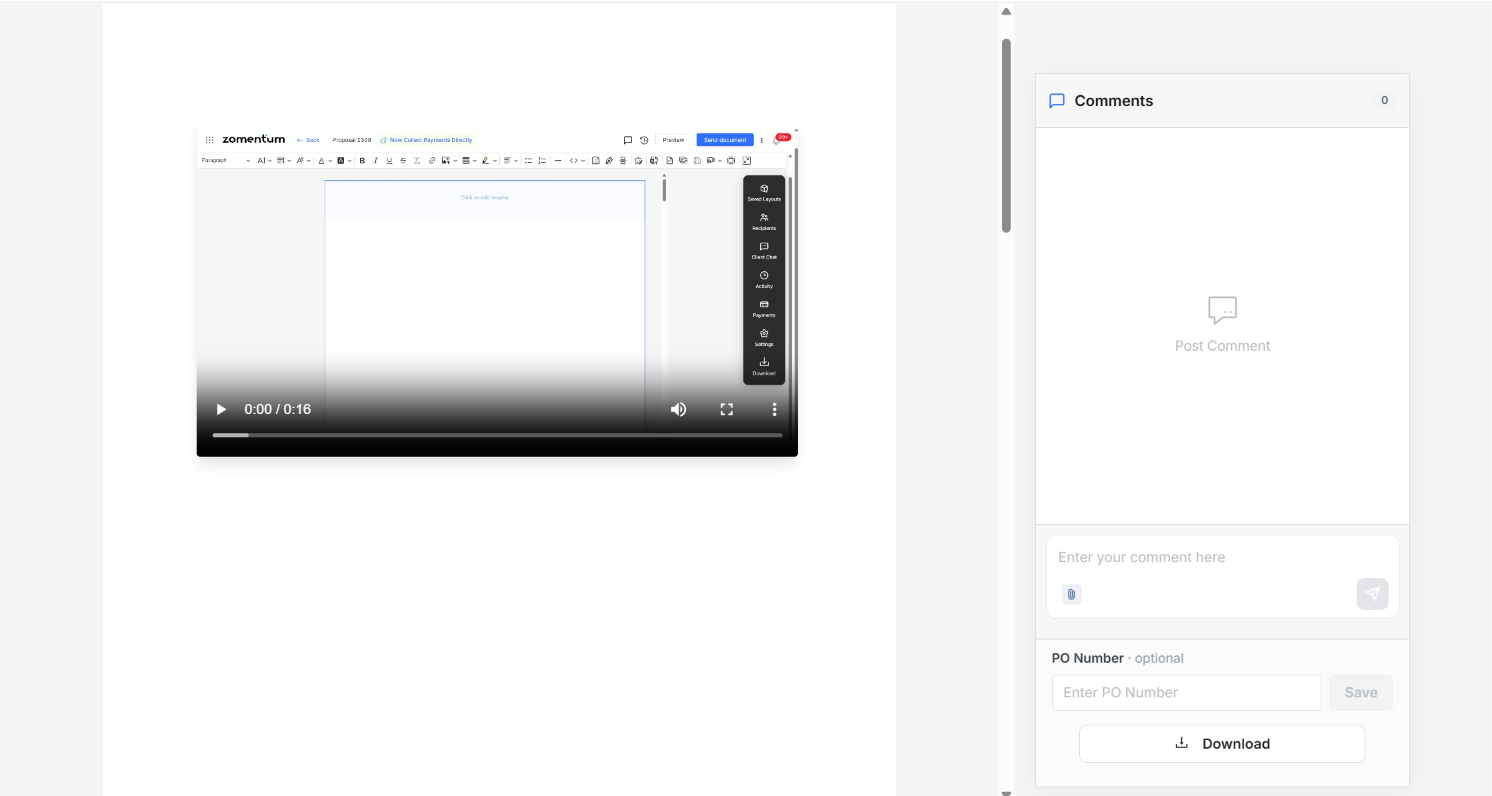
Yes, you can embed a video directly into your Zomentum document. Videos are a great way to add a personal touch or explain your product or service in more detail, without cluttering the document with a raw link. Once embedded, the video plays right inside the document for your client.
Step 1: Open the Video Block Option
In the editor, click the Video icon in the blocks toolbar.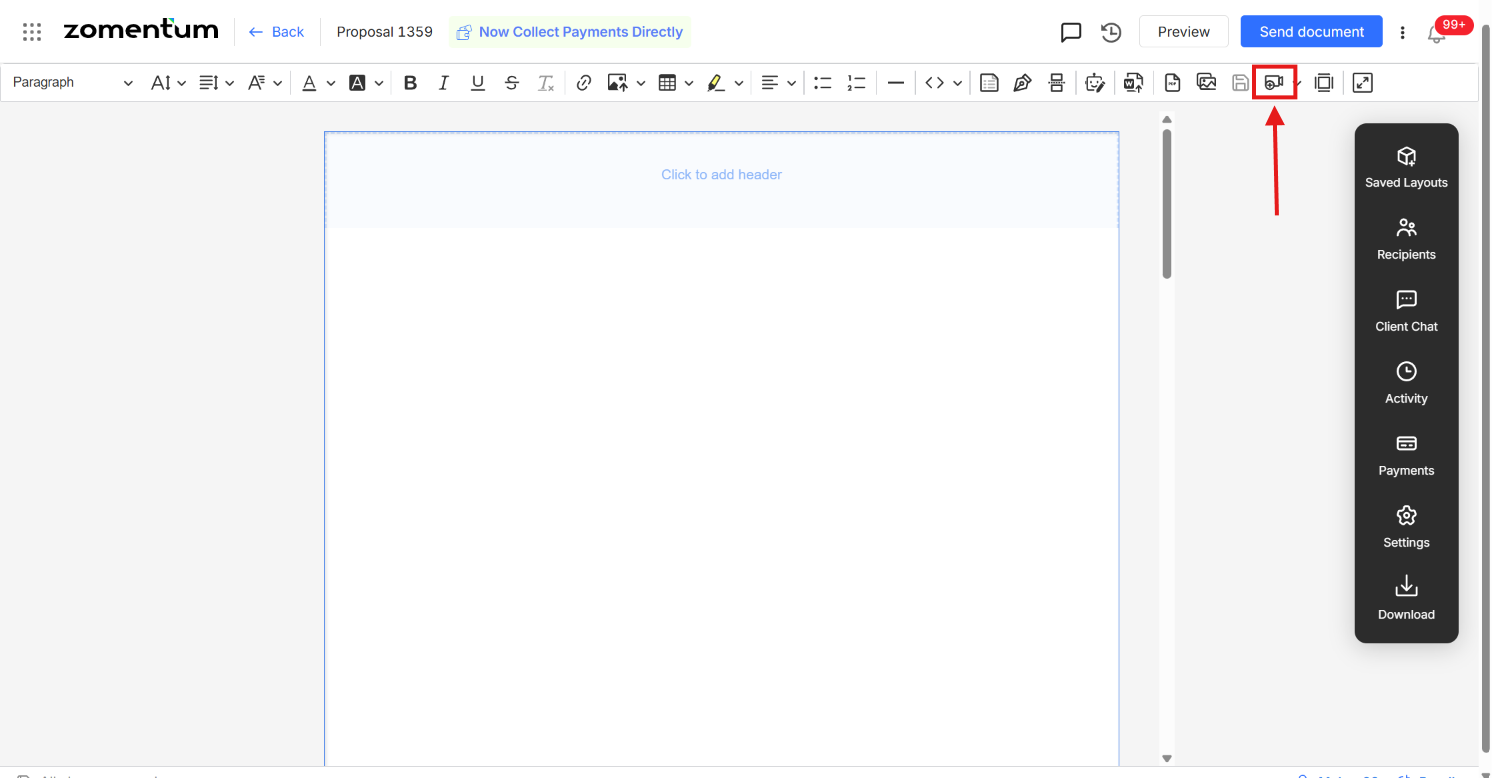
Step 2: Select Your Video
Choose the video file you'd like to upload from your device.
Step 3: Upload the Video
Once selected, the video will upload and render as a block within your document.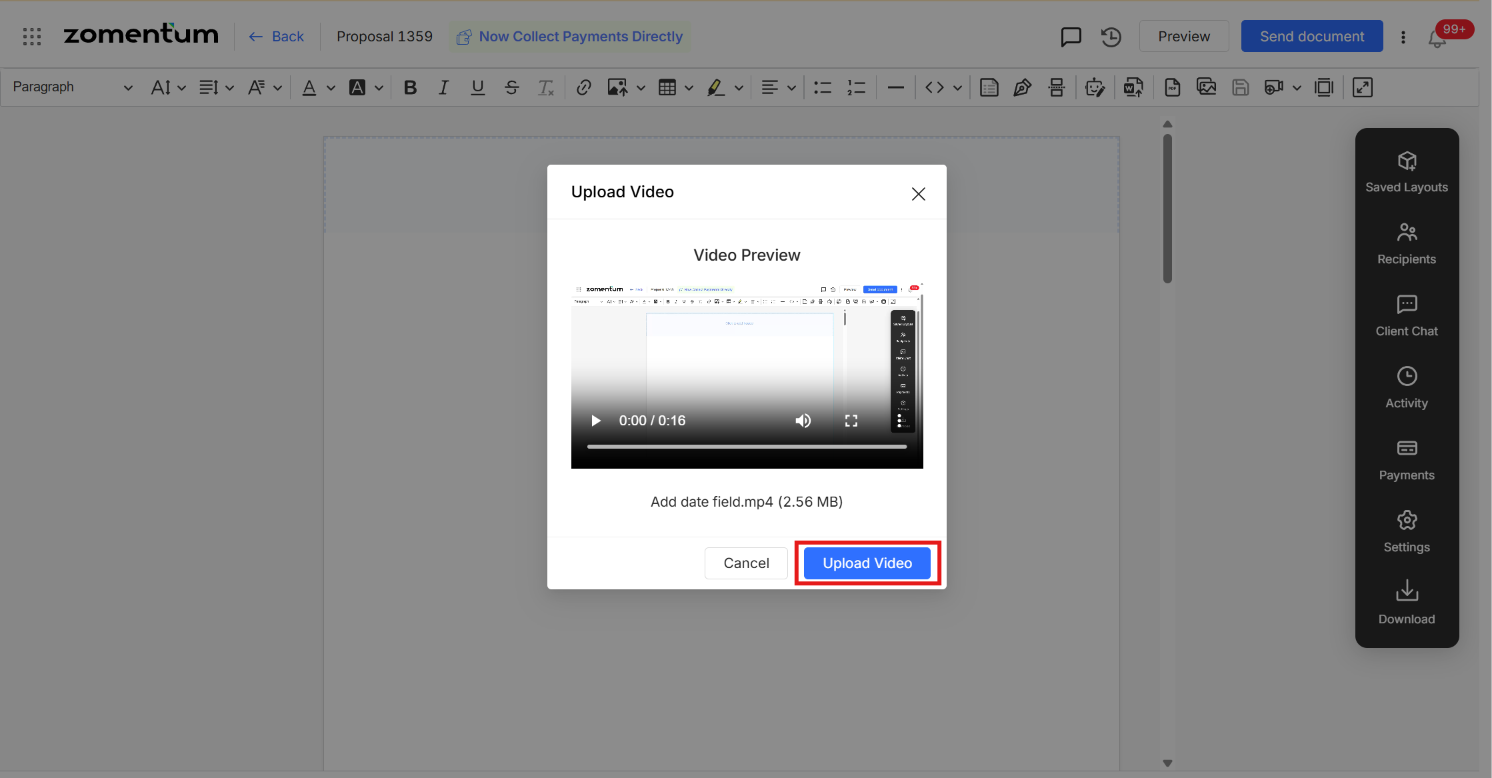
Step 4: Send the Document
Once you're happy with the placement, send the document as usual.
What the Client Sees
When the client (recipient) opens the document, the video will play directly within it, no separate download or external link needed.