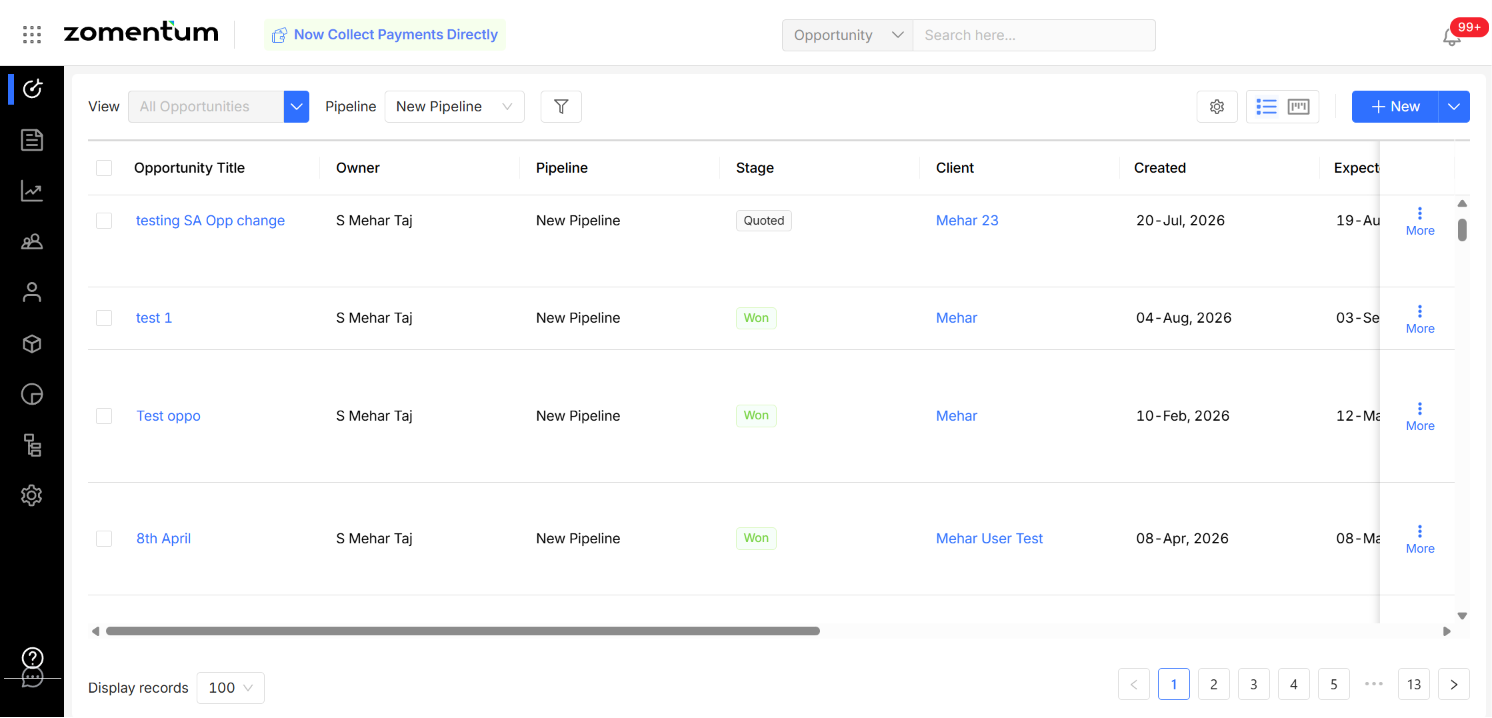
Zomentum offers two ways to view and manage your Opportunities : Kanban View for visually tracking deals through your pipeline, and List View for reviewing, filtering, and bulk-managing multiple Opportunities at once.
You can switch between views using the Display as option on the Opportunity page.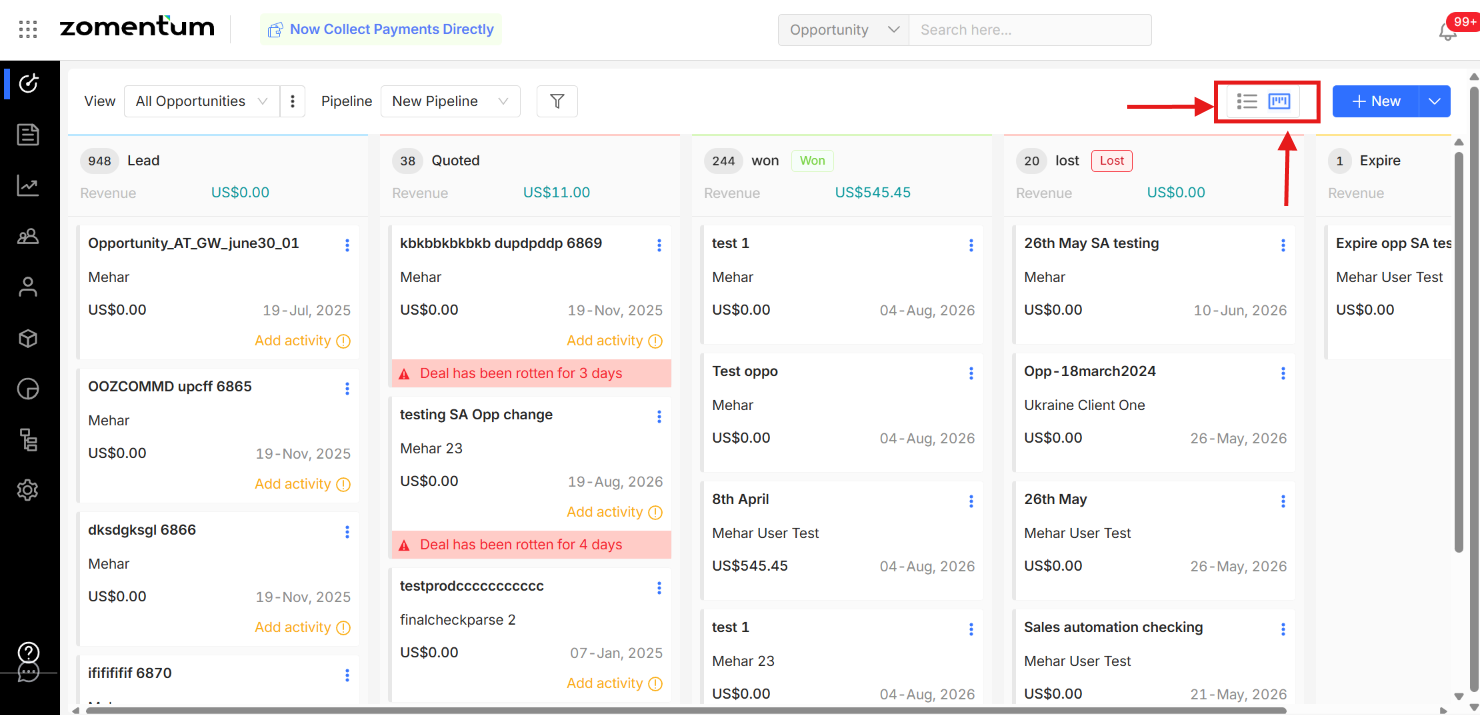
1. Kanban View
Kanban View displays Opportunities as cards, organized by the stages defined in your sales pipeline. Drag and drop a card to move an Opportunity from one stage to another.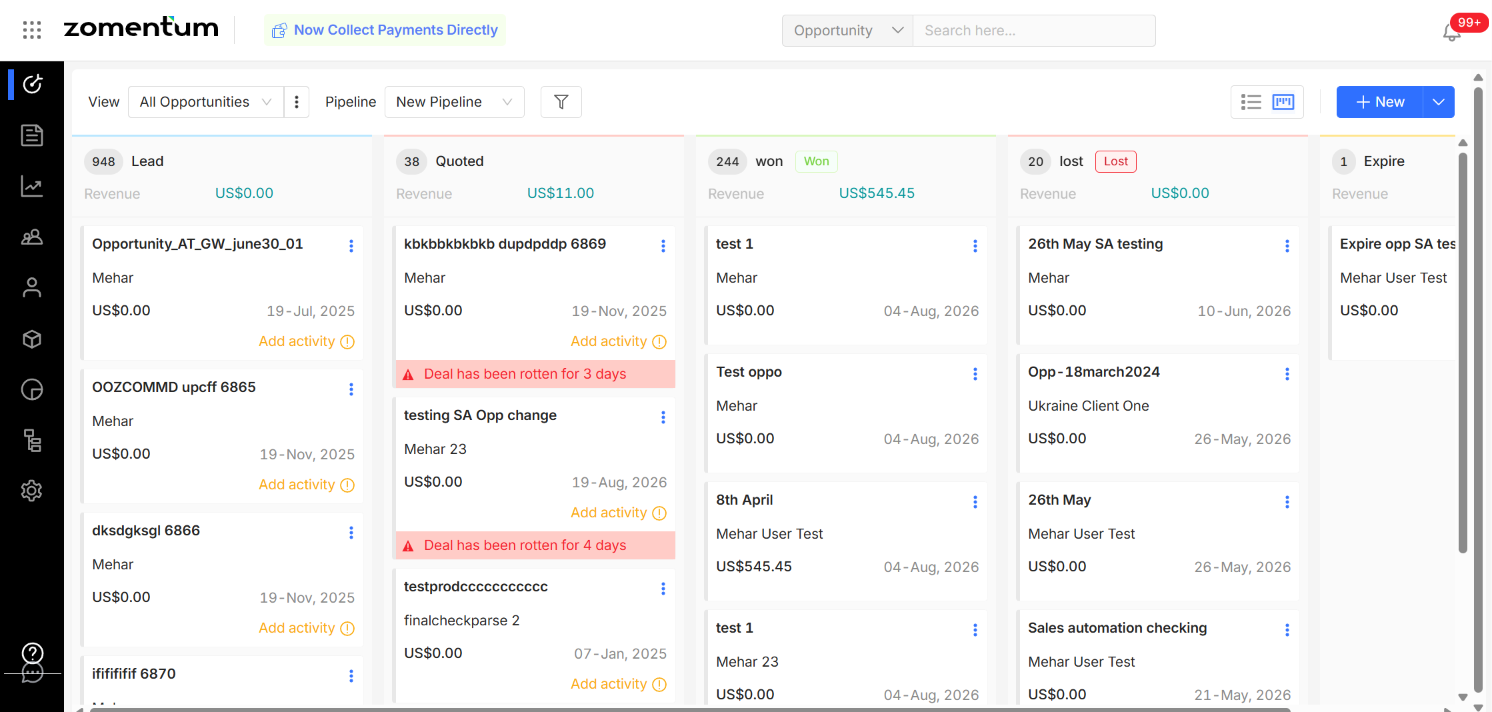
Use Kanban View when you want to:
Get a quick visual overview of your sales pipeline
Track Opportunities by their current stage
Move Opportunities between stages
Monitor progress across your pipeline at a glance
2. List View
List View displays Opportunities in a table, making it easier to review and manage multiple records at once.